See the terrain. Find your place.
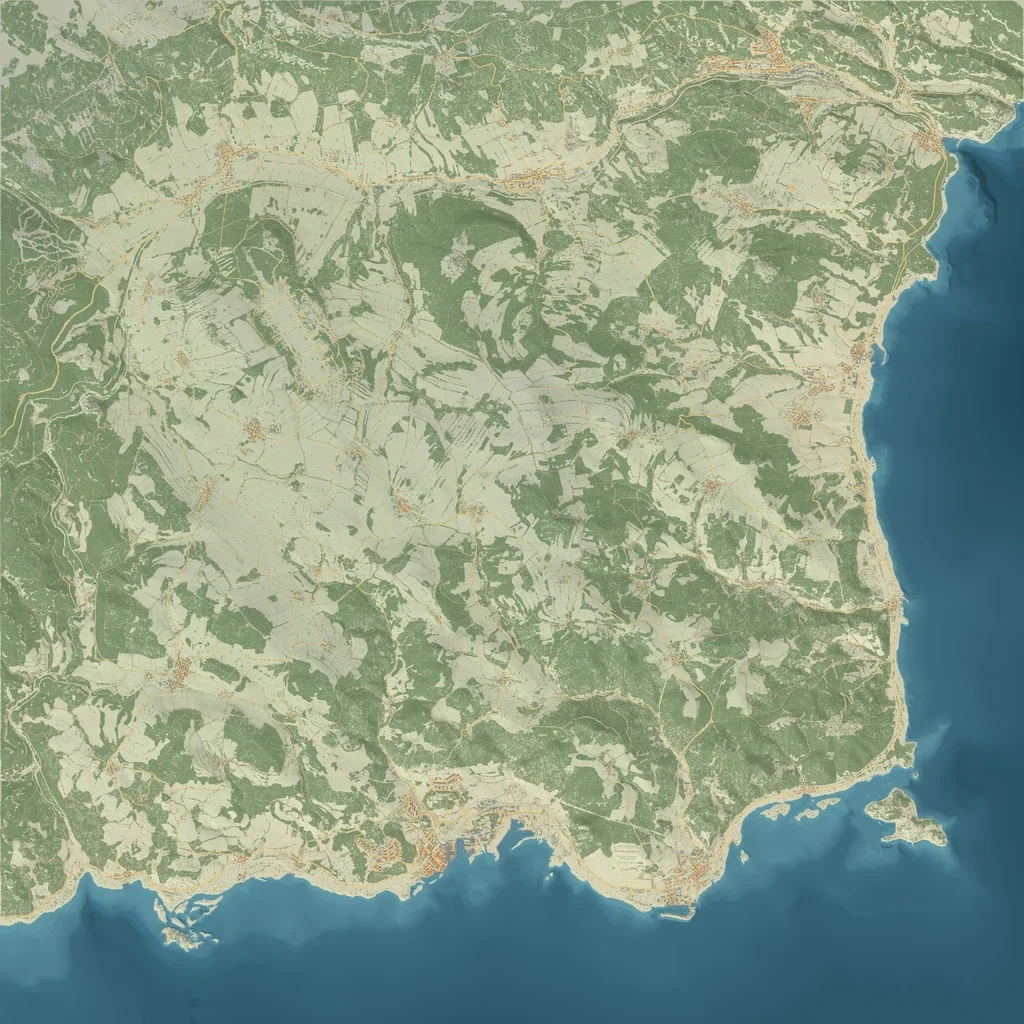
Switch between coloured terrain and satellite. Search towns or X / Z coordinates, zoom into roads and buildings, and copy coordinates with Ctrl+C or the Copy button.
 Wandering Bot
Wandering Atlas · Custom cartography by Wandering Bot
Follow the coast, plan a run inland and explore the towns and forests of Chernarus. Find recorded police, medical, military and water locations, then keep your own meeting points with your crew.
Explore without an account. Sign in with Discord to save and share your plans.
 WANDERING ATLAS
Switch between coloured terrain and satellite. Search towns or X / Z coordinates, zoom into roads and buildings, and copy coordinates with Ctrl+C or the Copy button.
Use the side-panel checkboxes for services, military sites, checkpoints, wrecks, water and other recorded locations. Inspect supported wrecks with reference pictures from the matching game models.
Name and colour your markers, draw zones and routes, and save them to a private group. Your signed-in group keeps its saved places when you return.
For DayZ server owners
Create a separate group for each map or crew. Mark your builder trader, safe zones, events and meeting places. Invite viewers, editors and admins so each person gets the right controls.
Custom cartography © 2026 Wandering Bot. DayZ data © Bohemia Interactive. Deer Isle by JohnMcLane.
Atlas in your Discord
Your map, your channel and the same saved places. Available for Chernarus, Livonia, Sakhal, Nasdara and Deer Isle.
/atlas panel. Choose server for the DayZ server, channel for the destination and map_group for the group you created. Choose them from Discord’s suggestions. You must be a configured server admin and the group’s creator; the group and DayZ server must use the same map.Repeat the setup for each server, choosing the same channel and its matching map group. They join one panel with a map dropdown; you do not get separate map posts. Each map keeps its own saved places. A channel supports up to 25 connected map groups.
Choose saved group places, police, medical and fire stations, military sites and checkpoints, wrecks, water, bunkers and other reference layers. Possible event positions and wildlife habitats have grouped filters in Discord; the full map offers finer choices. These references do not show live players, loot or active events. Turning a filter off hides its markers without deleting them.
You can stop ordinary members sending messages in the channel while keeping it visible. Give Wandering Bot permission to post. The panel’s editing controls check each person’s Atlas group access separately; channel visibility alone does not let someone edit your map.
Run /atlas panel for the same server with enabled: False to revoke public sharing. Your private group and places are preserved. To move a panel, run setup again with the new channel. The previous public link stops working.
Sign into Atlas with the same Discord account that created the group. Check the group’s map matches the selected DayZ server. For editing, join the group with editor or admin access. If posting fails, check the bot’s four channel permissions above and retry.
Yes. Open Wandering Atlas to browse the public maps. Sign in with Discord when you want to create groups and save private markers, routes or zones.
Yes. Create a group for your server’s map, give it a clear name and invite your staff or players with the access they need. Groups can have viewers, editors and admins. Separate groups keep different maps and crews apart.
No. Public location pins are map references. Wildlife habitats and possible events do not prove that an animal, vehicle or event is currently present. Community servers may change their layout and spawn rules.
Wandering Bot created the Wandering Atlas cartography and interface from the credited game and map data. DayZ data is credited to Bohemia Interactive; Deer Isle is credited to JohnMcLane. Our cartography does not change ownership of those original worlds.
Yes. Open the website in your phone browser. The browser companion-app demonstration also gives you a choice between Wandering Bot and Wandering Atlas.
See it in action
Watch our Atlas and server-tool videos, feature walkthroughs and community updates.