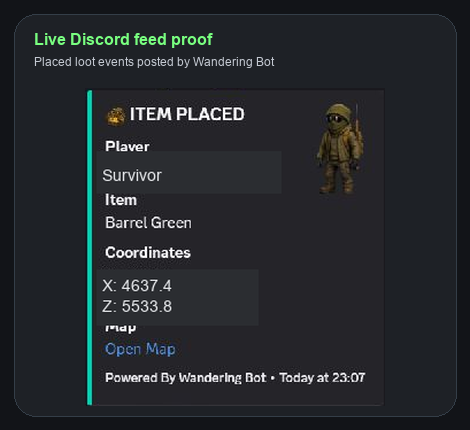
Show a real Discord feed card for placed loot and event activity, cropped and anonymised for public viewing.
 Wandering Bot
Discord feed examples
Browse privacy-safe examples of killfeeds, player activity, staff alerts and translations. Feed availability depends on your platform, plan, selected routes and server logs.
A closer look
Explore the chat screenshots below, browse the Discord feed examples, or watch the setup walkthrough before you connect your own server.
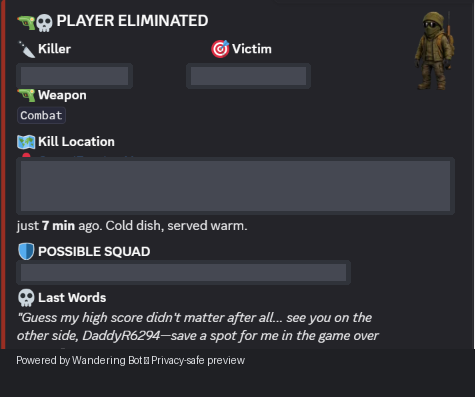 Discord killfeed example · player details hidden
Feeds and base alerts follow server logs, not live tracking. Phone push notifications remain a testing preview.
Live Feed Previews
Privacy-safe examples of the feeds Wandering Bot can route into your server channels, from player joins and killfeeds to base activity, radar pings, economy and staff audits.
Show a real Discord feed card for placed loot and event activity, cropped and anonymised for public viewing.
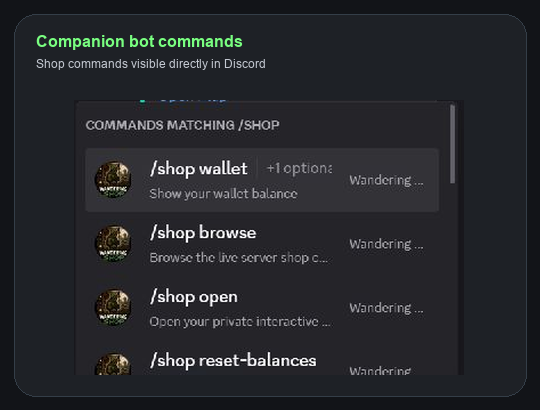
Show the companion shop bot commands appearing directly inside Discord's slash-command menu.
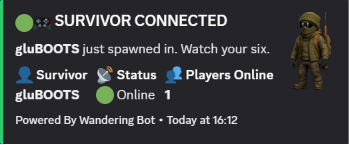
Show who has just spawned in and how many survivors are online.
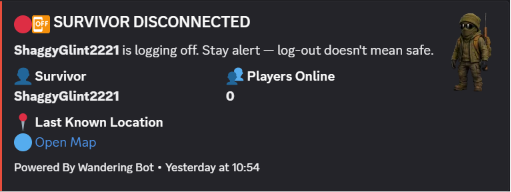
Keep staff aware when players leave and where they were last seen.
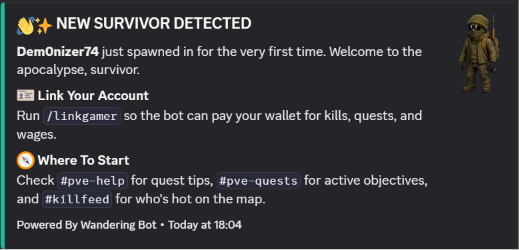
Welcome first-time players and point them toward linking and help commands.
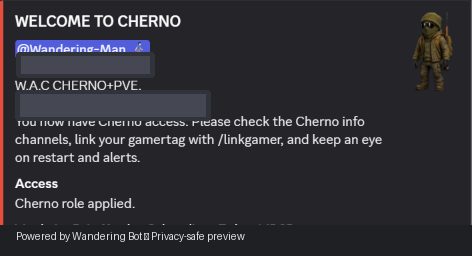
Confirm that a member has received the correct server access and next steps.
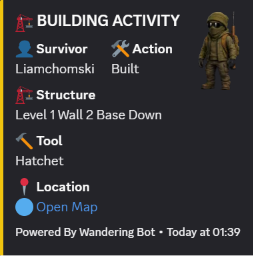
Track structures, tools and map links for base-building events.
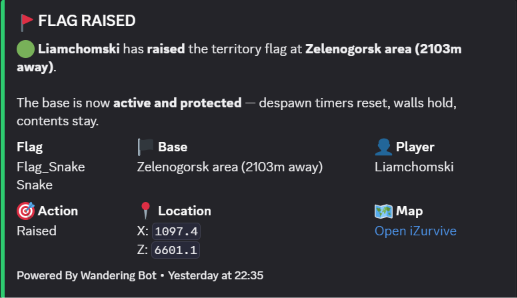
Surface territory flag activity with base area and player context.
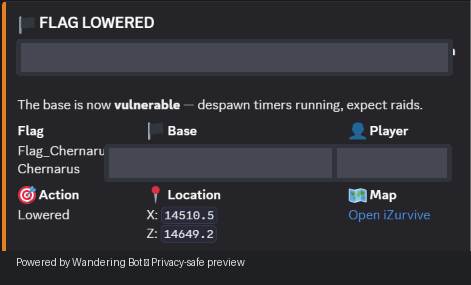
Warn staff when a territory becomes vulnerable and its persistence timer starts.
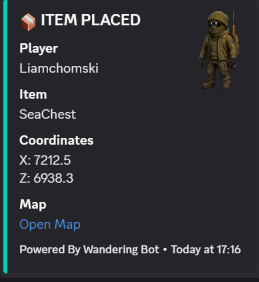
Watch crates, containers and key placement events without digging through ADM logs.
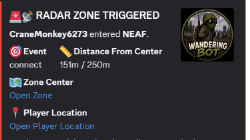
Notify staff when a survivor enters a configured zone or base radius.
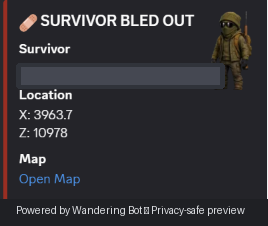
Highlight player emergencies with an optional map link for quick staff review.
Share a clear combat story with weapon, location, payback and squad context.
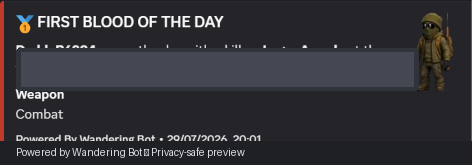
Call out the first PvP elimination of the day without manual posting.
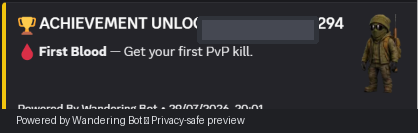
Celebrate player milestones and server moments automatically.
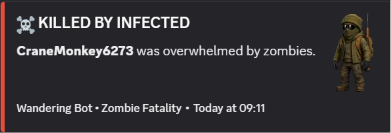
Separate infected deaths from player combat and raid activity.
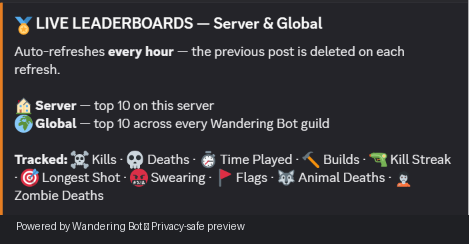
Refresh server and global leaderboards on a predictable schedule.
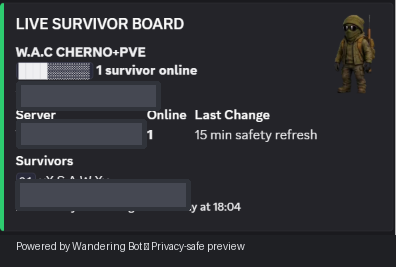
Give your community an at-a-glance view of who is online and active.
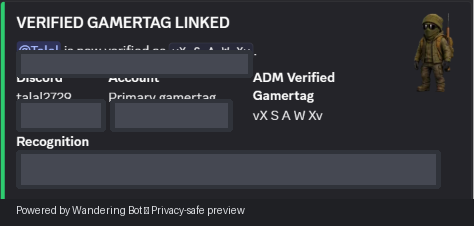
Confirm linked identities so eligible players can use economy and community features.
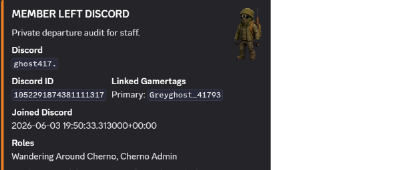
Keep a clean private record of account and gamertag lifecycle changes.
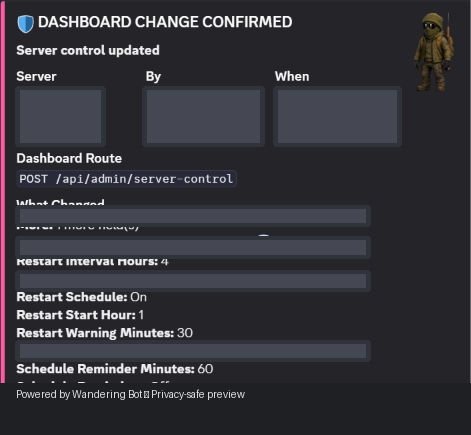
Record important server-control changes for owner and staff visibility.
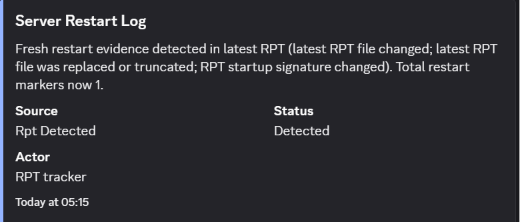
Show restart detection and RPT evidence in a clear staff-facing format.
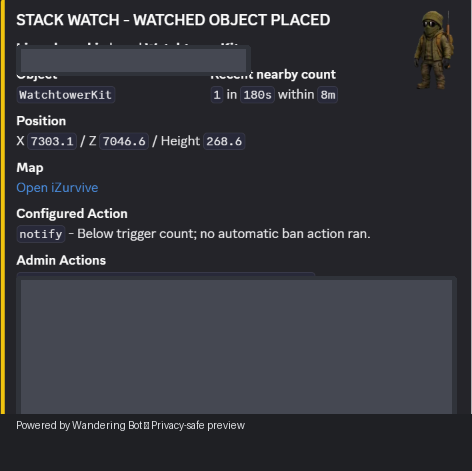
Give moderators evidence when placed objects meet a configured stack-watch rule.
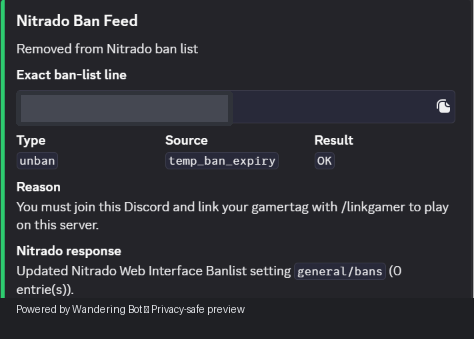
Keep an auditable feed of provider-specific ban actions and their server response.
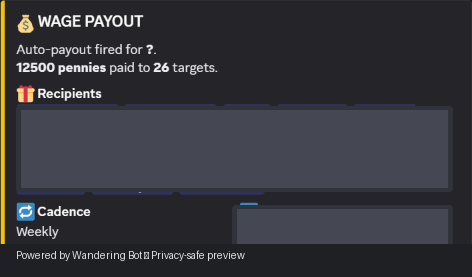
Post scheduled economy payouts with recipient and cadence information.
Choose the feeds that suit your community. New feed types and owner-controlled routing are continually being added.
Compare feed accessPro and Ultimate feature
Wandering Bot can automatically translate Discord conversation in either direction. Keep the translation beside the original message, or send it to a dedicated channel so international players can follow along without losing the source message.
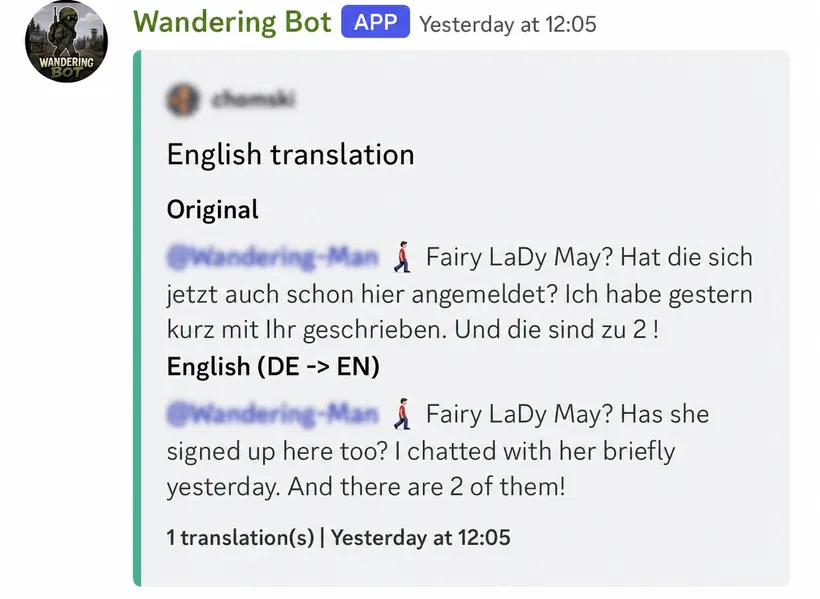
Keep the original conversation visible, then post a clear English translation beside it.
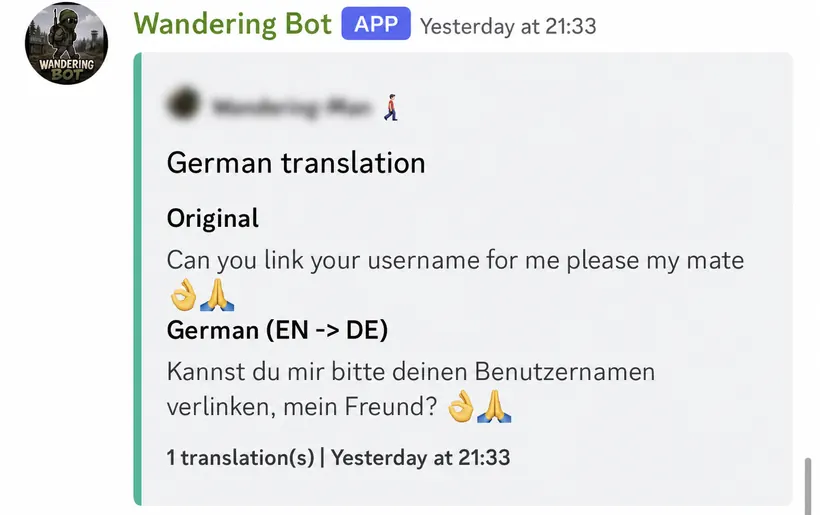
Let international communities read the same Discord chat in the language that works for them.
Translations are configured by a server administrator. The original remains visible, and public examples on this page have had usernames and avatars blurred for privacy.