 Wandering Bot
Players & spectate
Search the connected-player roster, inspect live details, spectate a selected player, fly with freecam and return to your character.
DayZ PC · in-game admin mod
Run your DayZ PC server from an in-game admin panel. Manage players, place objects, spawn equipment and vehicles, control server conditions and give players useful map and killfeed information.
The tools
Search the connected-player roster, inspect live details, spectate a selected player, fly with freecam and return to your character.
Travel to players, map points or X/Z coordinates. Manage god mode, infected ignore, health, blood, shock, stamina, food and water.
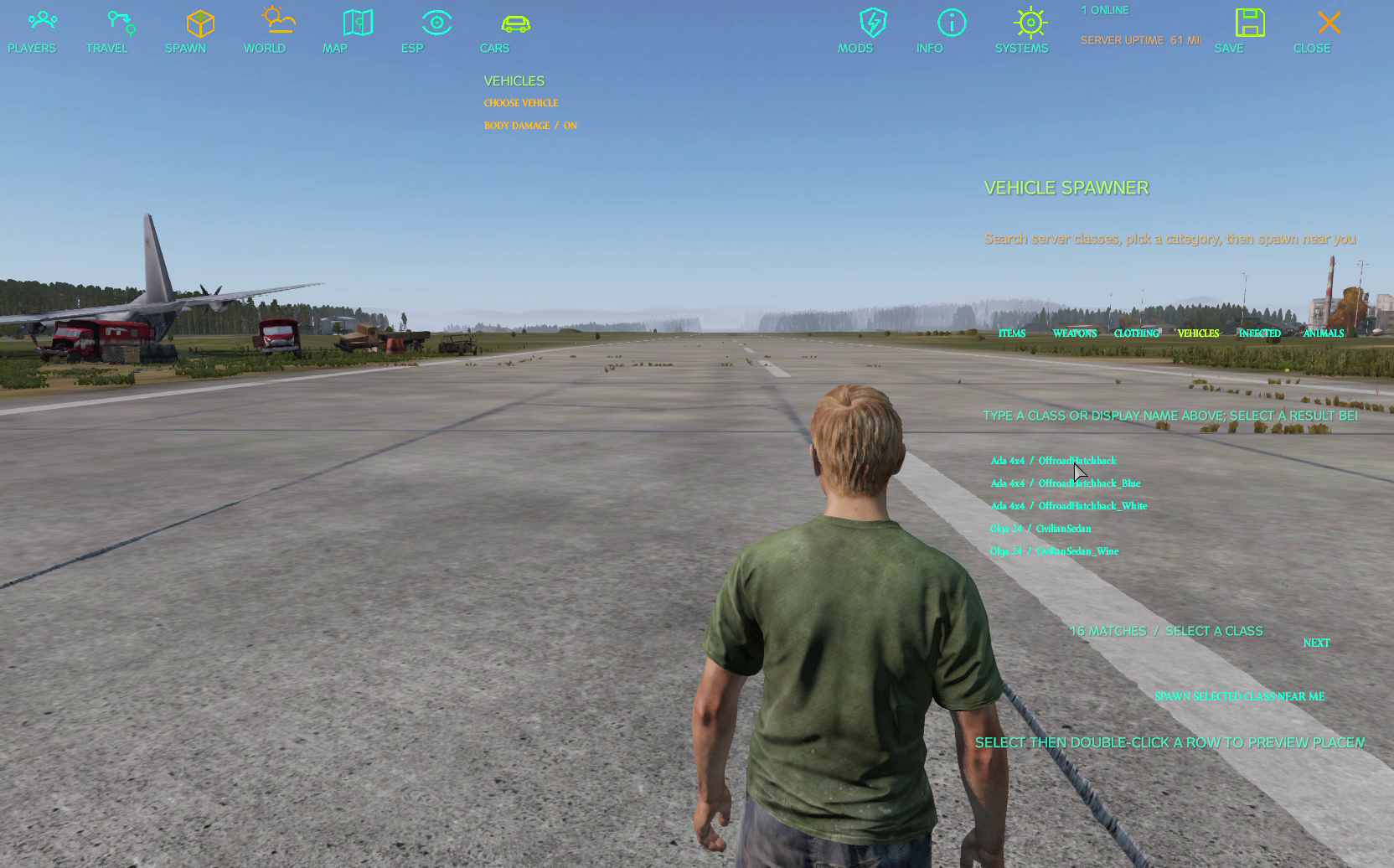
Search and spawn items, weapons, clothing, vehicles, infected and animals. Configure compatible gear, cargo and reusable item-kit presets.
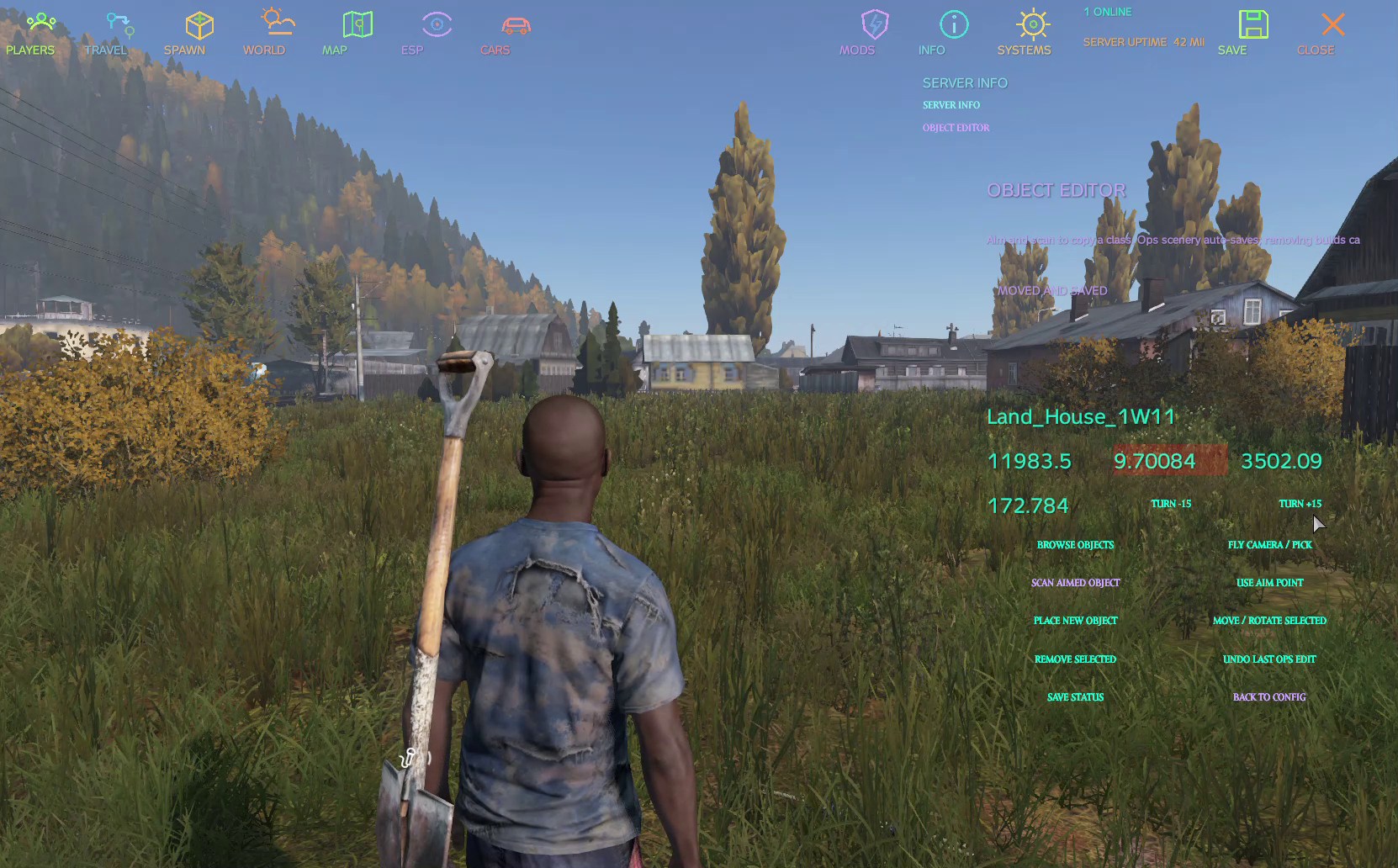
Scan objects, choose placement with the camera, move, rotate, raise or lower placed objects, remove runtime objects and undo the last Ops edit.
Control weather, time and season. View server and supply-run details, or trigger a configured supply drop.
Use the field map, shared places, group and public pins, map pings and private player-group features.
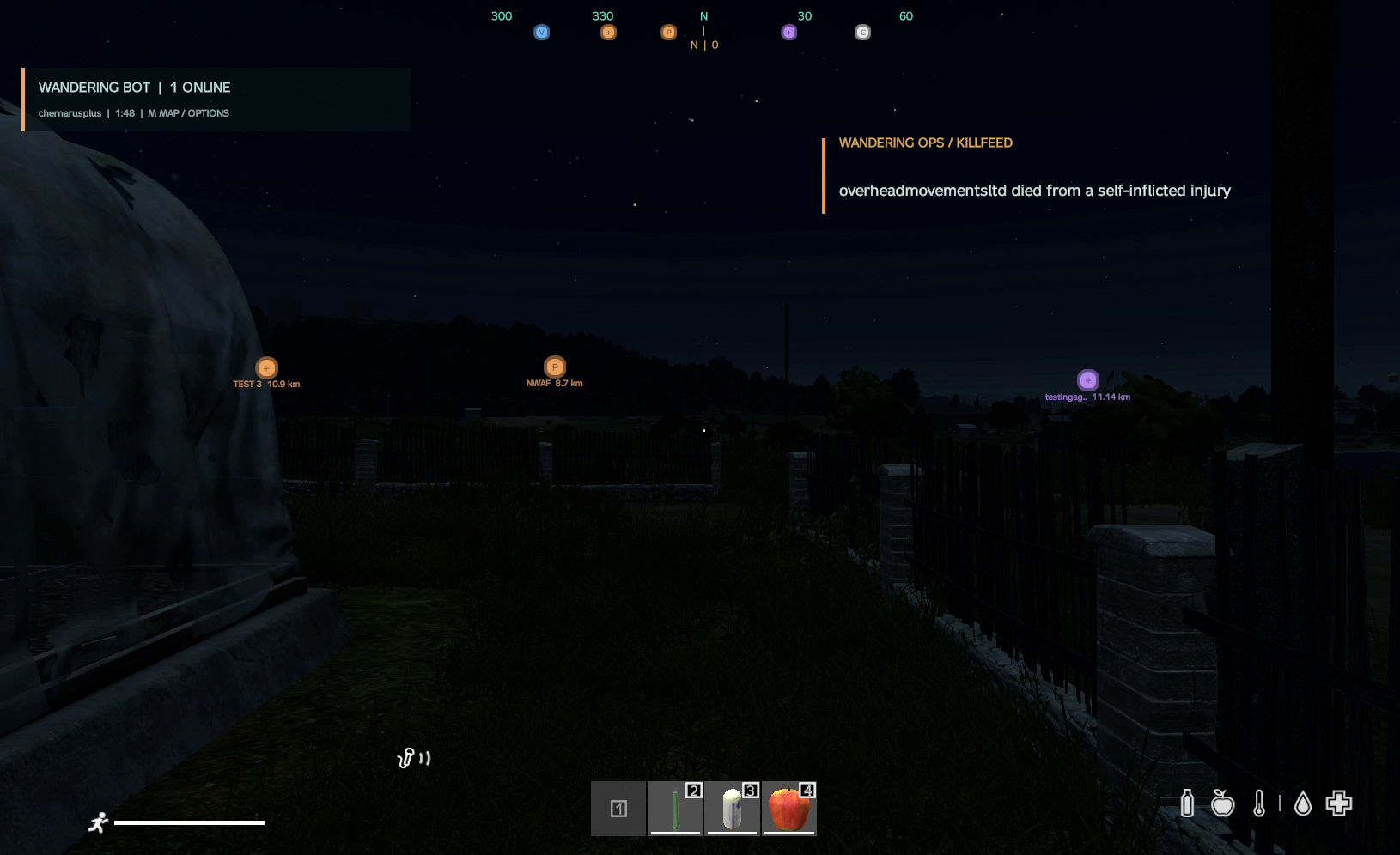
Show an on-screen killfeed, server information, labels and compass markers with in-game display settings.
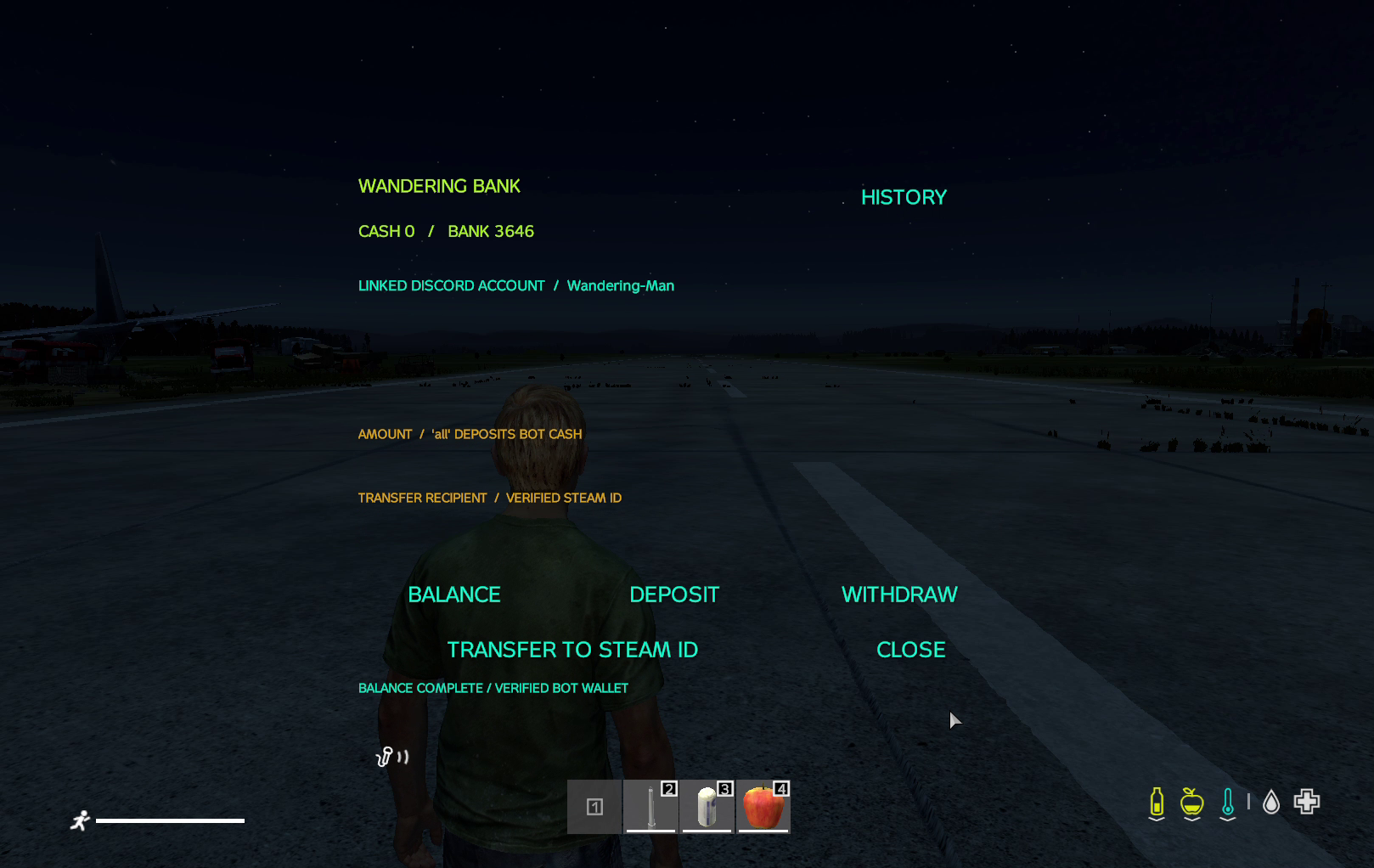
View linked Wandering Bot bank balances and transactions, deposit, withdraw and transfer to a verified Steam ID; browse the private garage catalogue.
The field map uses the loaded DayZ terrain; the main panel supports Chernarus, Livonia, Sakhal and other compatible maps.
Inside the game
Server access
If you are interested in this mod then please open a ticket on my discord https://discord.gg/whNHwZmTMk